Getting Started
Go from sign-up to AI-powered search and chat in under 5 minutes. Create your account and your site is indexed automatically — no extra setup needed.
1Create an Account
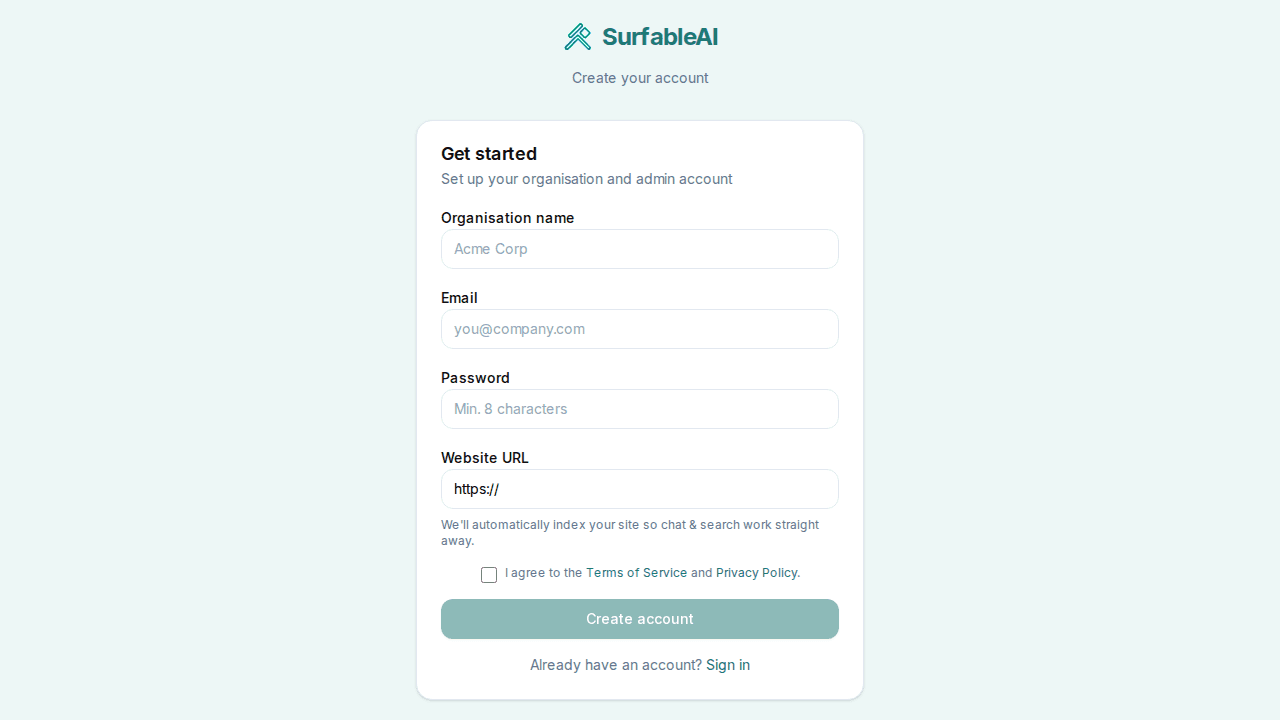
Head to the sign-up page and enter your organisation name, email, password, and website URL. We'll automatically index your site in the background so chat & search work straight away.
2Send Your First Chat
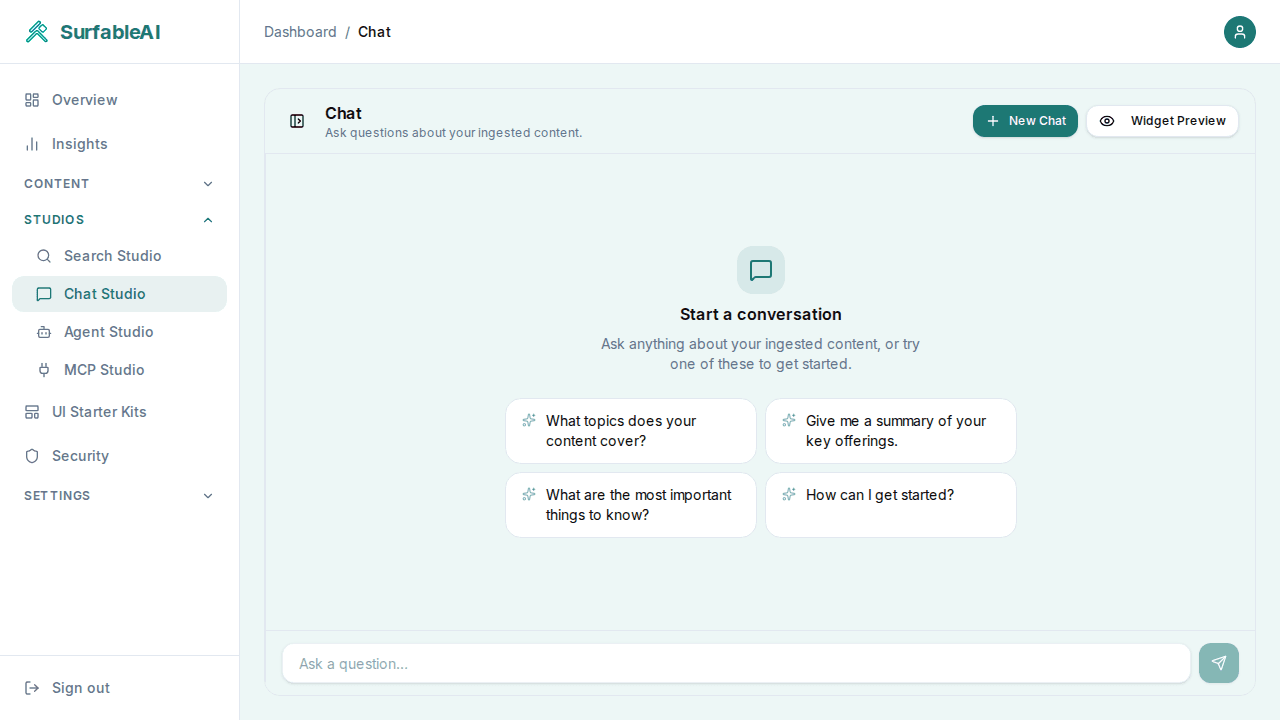
Once signed in, head to the Chat Studio under the Studios tab and send your first message. SurfableAI will answer using content indexed from your site.
3Generate an API Key
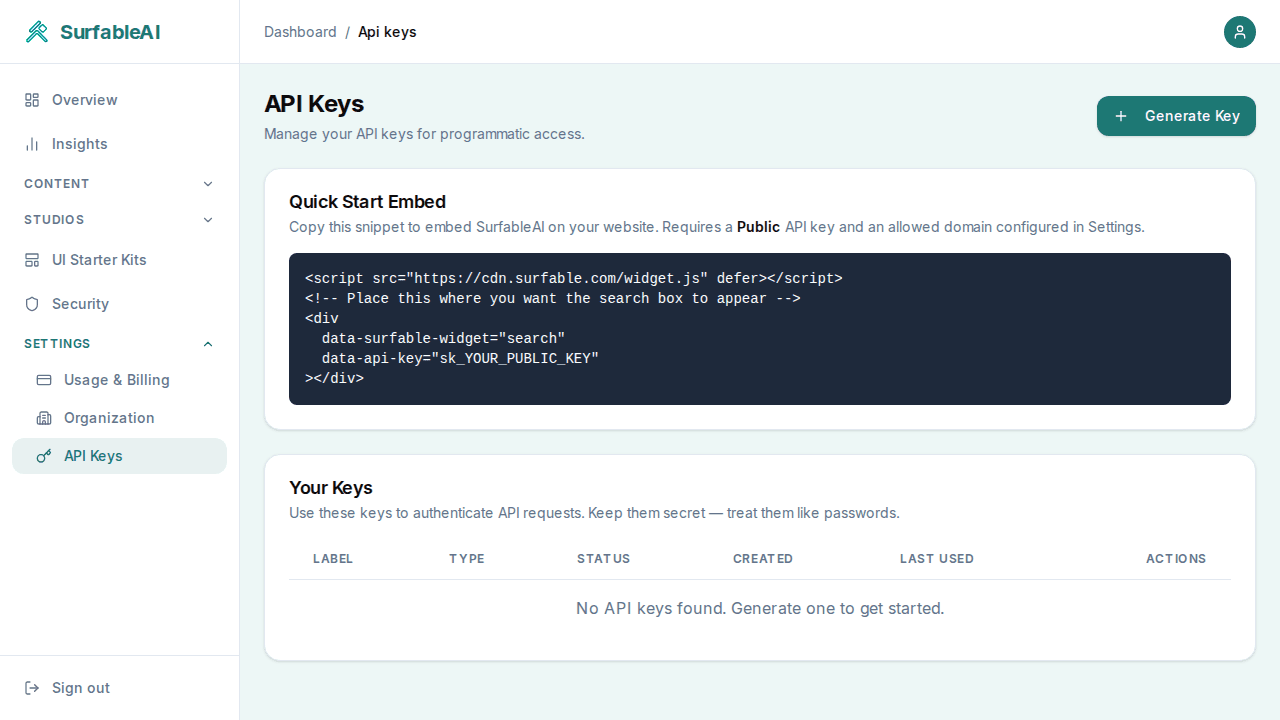
Go to the API Keys tab and generate a key for your application. Include it in the X-API-Key header:
curl -X POST https://api.surfable.ai/search \
  -H "X-API-Key: sk_live_your_key_here" \
  -H "Content-Type: application/json" \
-d '{"query": "How do I get started?"}'4Brand and embed with UI Studio
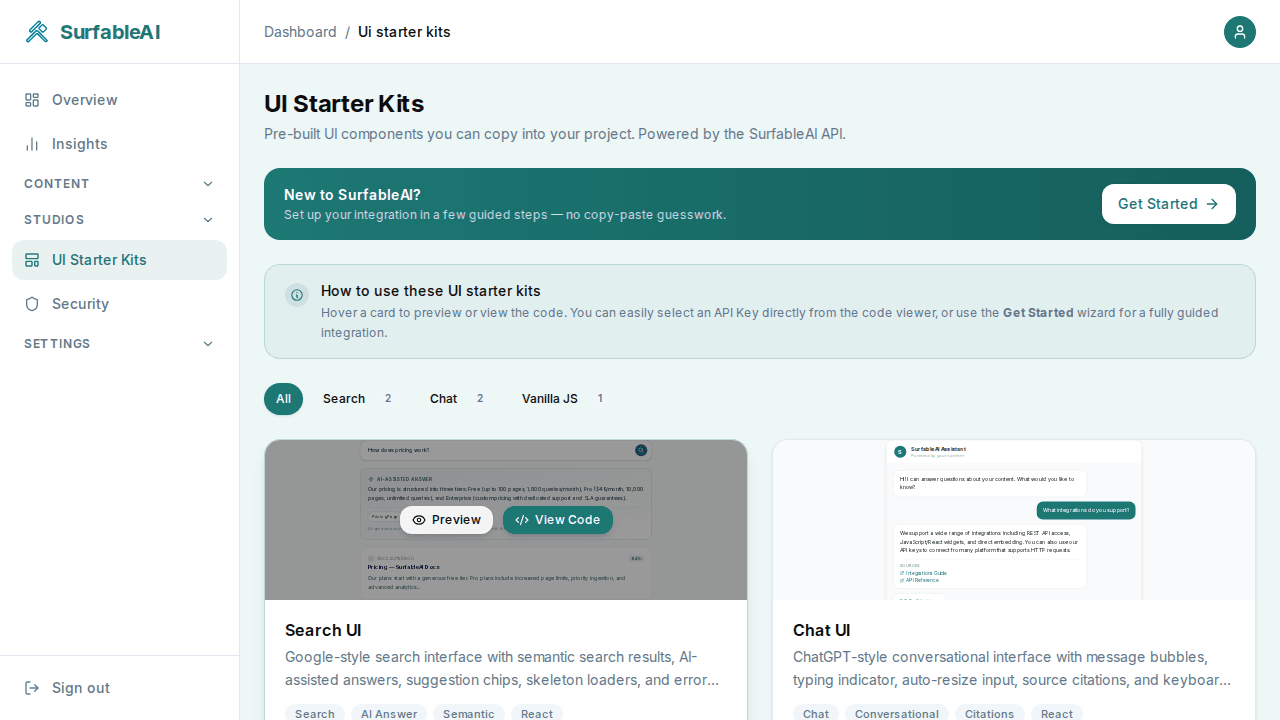
Decide which pages on your site you want to add SurfableAI to. Open UI Studio from your dashboard to:
- Configure your brand colors, font, radius, and logo for the embedded widgets.
- Preview the search and chat widgets live, then copy the snippet or download a code bundle for React, TypeScript, Vanilla JS, or WordPress.
Ready to start?
Create your free account and start indexing in minutes.
Get Started Free